I often get asked by people how they can learn graphic design if they don’t have expensive computer programs like Photoshop. And while knowing the Adobe suite is definitely needed if you want to go into graphic design professionally, it’s not necessary to start practicing the basics. In my new video Graphic Design Without a Computer, I went over drawing found typography using tracing paper and magazines. This is a great way to get really familiar with all of the letterforms in various typefaces and styles, and it’s fun to make new compositions using only found type from magazines or newspapers or other sources. I definitely had a lot of fun getting off the computer and drawing typography by hand again – it’s been way too long since I’ve drawn with charcoal or tried to be really precise with graphite, and so it was great to get back into it.
I also began to cover page layouts and their hierarchy in the video, which I’ll be delving more into in the next episode. For now though, just tracing the layouts and separating the content from the design is a great way to get back to basics and start understanding the way the eye moves around a page and how all the different elements fit together.
I hope you guys like these drawings I did for the video, and feel free to send me your own on Twitter or Tumblr!
The exercise I did sophomore year of RISD, which inspired this video.
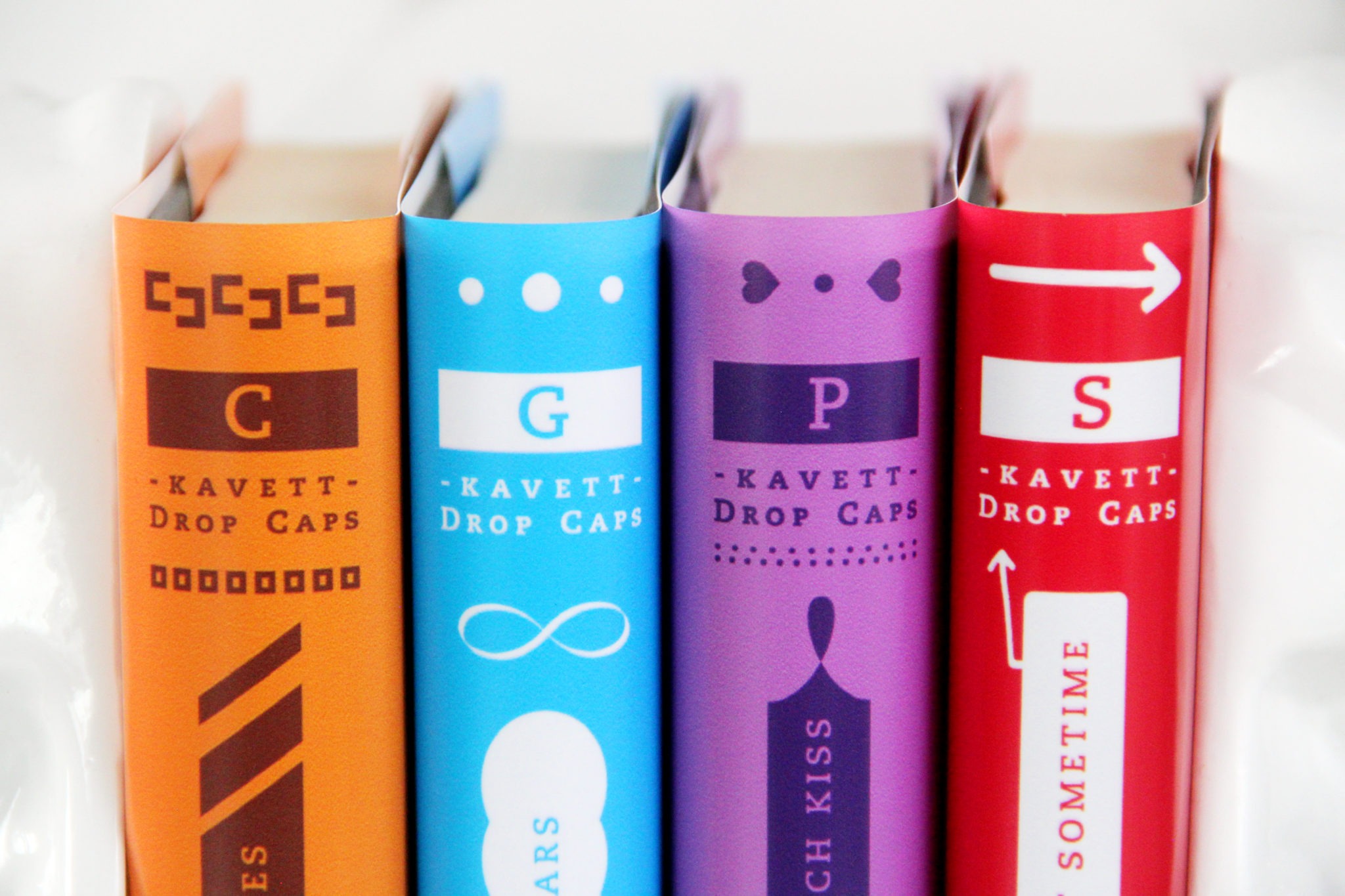
When I was making my Recommended Books, Blogs, and Music video a few weeks ago, I had the idea to recommend a set of books not based on their content but on their spine and cover designs and how they would look on a shelf together – an idea which I’ve termed Visual Playlists of Books. Just like music playlists are made up of different songs that go well together or tell a complete story, I tried to organize these books by color, size, and length, though of course I was limited by the books I already own.
As always, click any of the photos to see a larger version. I’ve put together a few different sets, but I’d love to see what else you guys can come up with using your own personal libraries! Feel free to send me photos of your own Visual Playlists on my Twitter or Tumblr, and thanks so much for reading!
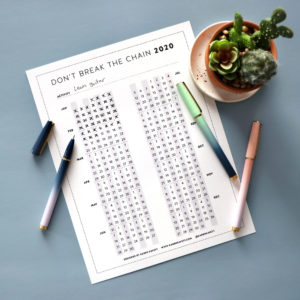
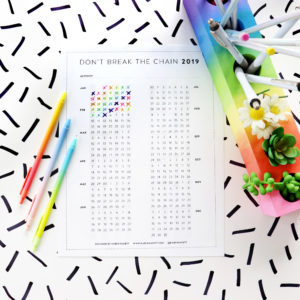
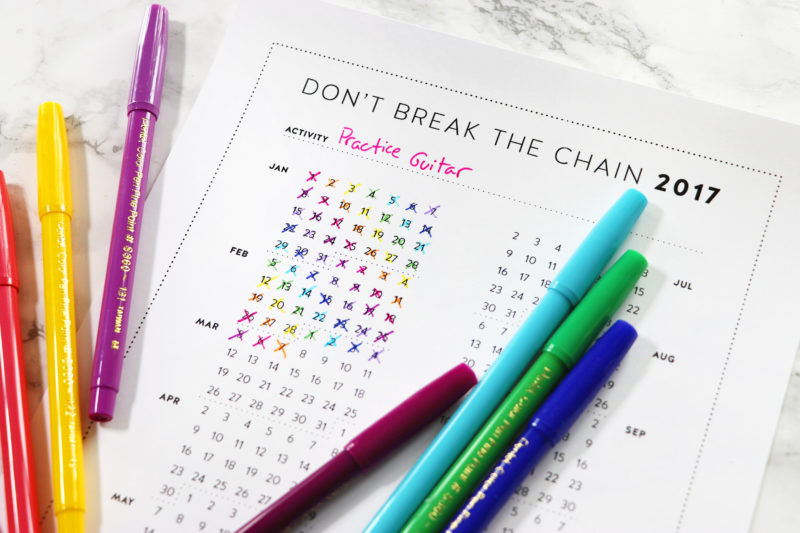
When I watched Charlie McDonnell (charlieissocoollike)’s video Don’t Break the Chain last week, I knew that I had to design a calendar to try it out for myself. The idea is that you set a task and a minimum time for something that you want to do every day – whether it be exercise for 30 minutes or study French for an hour. Every day that you complete the task, you X the day off the calendar, and as you get a longer and longer string of X’s, it becomes more motivation to do that task every day so that you don’t break the chain.
Originally I had wanted to draw the whole calendar by hand, but as I began sketching it out, I knew that it would take far too long and I’d never get it done by May 1st. So, I hopped on Photoshop and laid the whole thing out in one of my new favorite fonts, which I originally bought for last week’s style videos. I decided to only design it in black and white so that people with only black and white printers wouldn’t get a sub-par product, and also so that people could customize it however they wanted, like this or this.
Fun fact – on the night April 30th when I was finishing up the design, I had a terrible headache, but I really wanted to get it done by the 1st. So, I ended up squinting at the computer lining up numbers and editing photos while clutching my head in pain. But I’m so glad I got it finished that night and I think it came out really well!
And finally, to answer a very frequently asked question, I will indeed make a full-year version. Just send me a reminder in December, and if there’s still interest, I promise I’ll design it by January 1st :)
You can download the PDF of the calendar right here and check out the original Tumblr post right here. Thanks so much to Charlie for making the video that inspired this, and I hope all of you find it useful when trying to stick to your goals!
I love making typography 3D, and papercraft is an easy and fun way to do this. After a year of my viewers asking for it, I finally made the video tutorial of the method I’ve developed. Click through to the video description on YouTube for a list of materials and instructions written out. And I hope you enjoy the video and the additional photos I took of the final product!
A week ago, I had the idea to make a video about one of the most hated typefaces in history: Comic Sans. Whether or not you think it’s well designed, it’s had a big impact in graphic design over the past decade, and I was curious about who designed it and where it came from. The story actually ended up being really interesting, so I’m glad I got to share it with my YouTube audience.
After the success of the Comic Sans video, I decided to make a video about the backstory of the other most hated font of recent times, Papyrus. While I definitely am not a convert to using either font, I’m glad I know more about the story behind them. And also glad I got a chance to use Gunnarolla’s brilliant Comic Sans song in a video. Check out this playlist if you want to see more of my graphic design videos, and be sure to subscribe to my channel so you don’t miss any of the new videos I post (I already have an awesome one planned for next weekend!).